Description
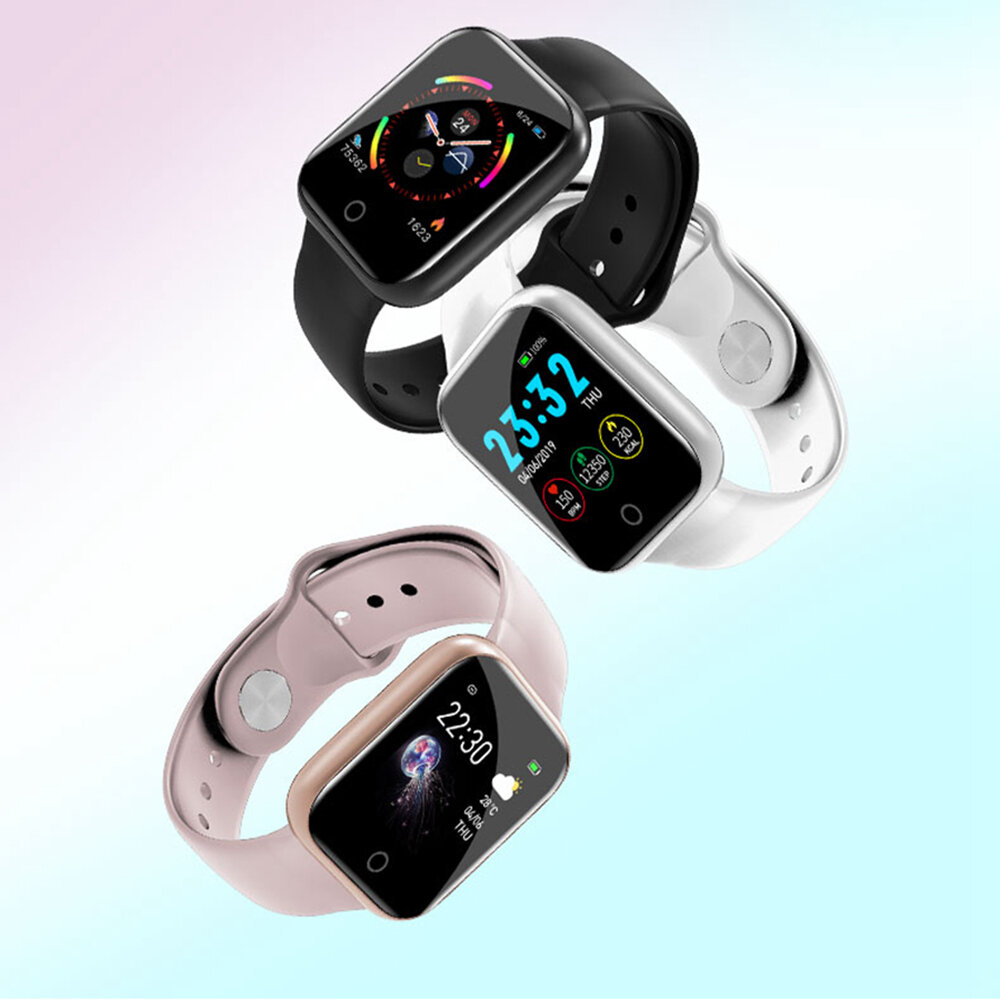
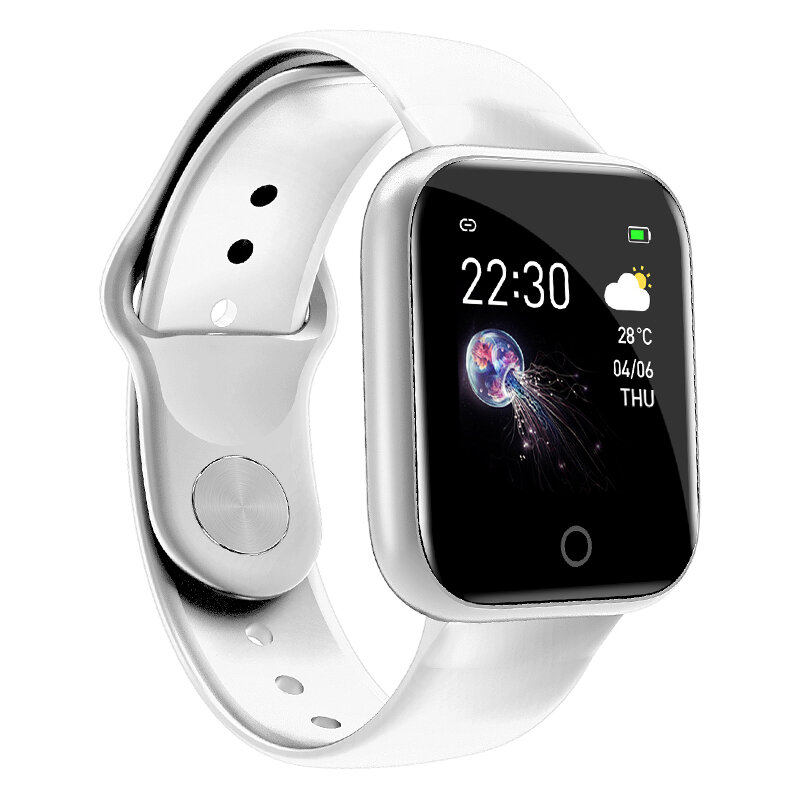
Specification Brand Bakeey Model I5 Color Black, White, Pink Bluetooth Version BT 4.0 or above Compatible OS Android 4.4 or above , iOS 8.0 or above Operating Mode Single Touch APP Name Wearfit App Language English, Portuguese, Spanish, French, German, Italian, Polish, Russian, Japanese, Hindi, Thai, Arabic, Simplified Chinese, Traditional ChineseSpecial Features Waterproof IP67 Heart Rate Monitor Support Blood Pressure Monitor Support Blood Oxygen Monitor Support Sleep Monitor Support Weather Forecast Support Multi-sport Modes Support Pedometer Support Call orMessage Reminder Support Reject Call Support Notification Support Facebook,Twitter,Wechat, WhatsApp etc. Alert Type Vibration Auto Light-up Screen Support Stopwatch Support Other Functions Support Alarm,Calender,Sedentary reminder,Camera remote control,Anti-lost,Technical Parameters Sensor G-sensor, Heart Rate Sensor Screen Size: 1.3inchType: IPS
Resolution: 240*240pixels Battery Battery Capacity: 130mAh
Standby Time: About 15 days
Using time: About 7-10 days
Charging Time: About 2 hours
Charging Type: Magnetic chargingAppearance & Details Band Material: TPU
Length: 260mm
Width: 20mm Weight and Size
Product size: 41*34*10mm
Product weight: 31.8g 1*Bakeey I5 Smart Bracelet 1*Charging Cable 1*User Manual (English Version) Tips:
1.Display and light of shoot will affect the color of the products, pictures for reference only, subject to our available products.
2.Please download the app before usage in order to compatible perfectly with your phone.
Q&A
- Why doesnt my watch start?
1.The watch needs to be connected to the charger for the first time use.
2.If your watch battery runs out, you need to charge it for a while before trying to activate your watch.
3.Try to activate your watch by pressing the screen for a long time.
- Why my watch doesnt charge successfully?
1.Please make sure your charger is 5V/1A. If the current is too high, the watch would into the automatic protection of the state.
2.Please confirm that the charging cable is well attached to the charging position on the back cover of your watch .
3.If your watch still cant be charge successfully, please contact our customer services right away. Please click the customer service.
- Why is there no charging cable in my package I received?
There is a charging cable in the separate box inside, please check it carefully. And if you dont receive the charging cable, please contact our customer services right away.
- How to change the date and time?
Please scan the QR code in the manual to download the APP. Then the time and date will be automatically synced when the watch is connected to your phone.
- Can I wear it for swimming?
It is not recommended that you wear it to swim for more than 30mins on swimming pool, because it is not a professional swimming watch.