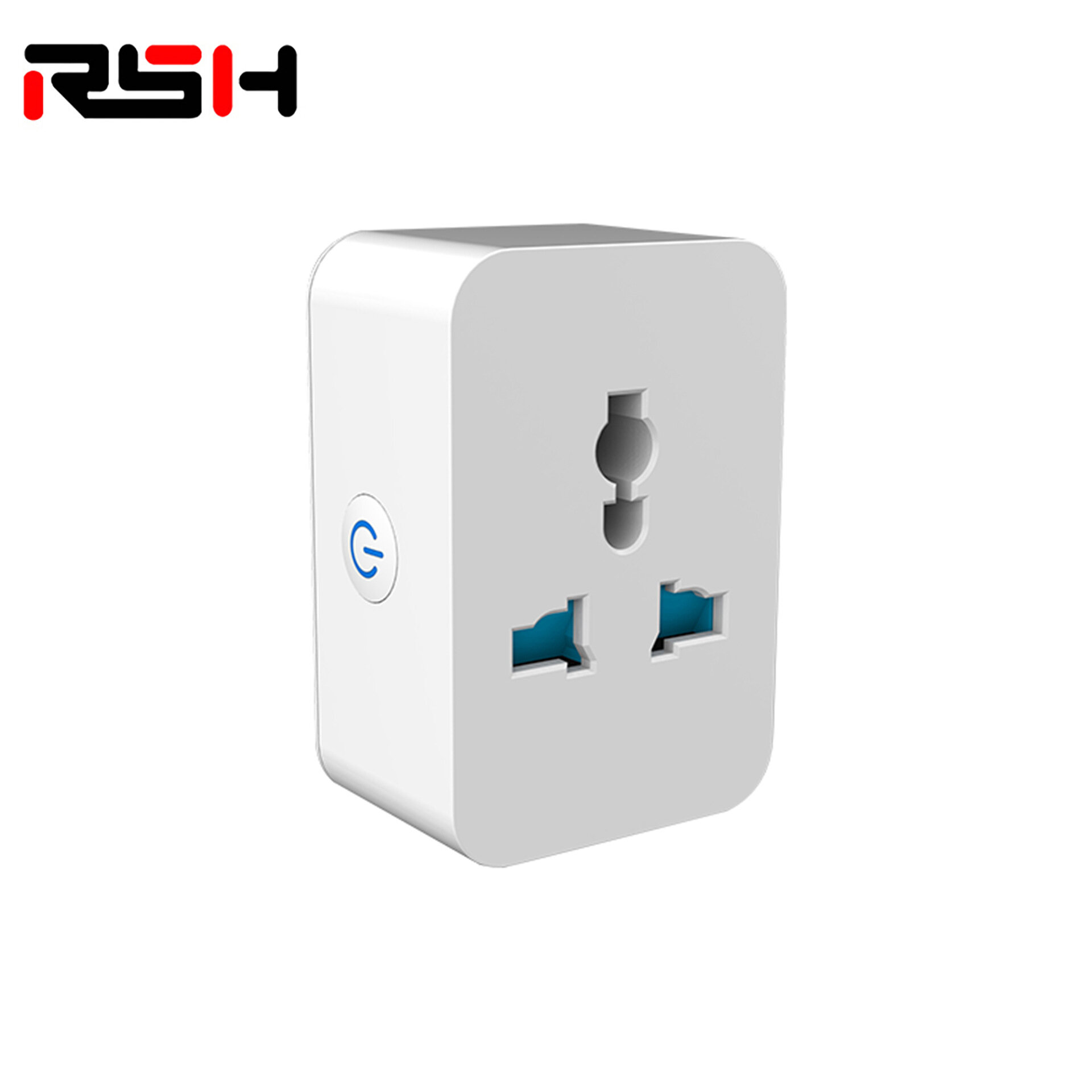
Description
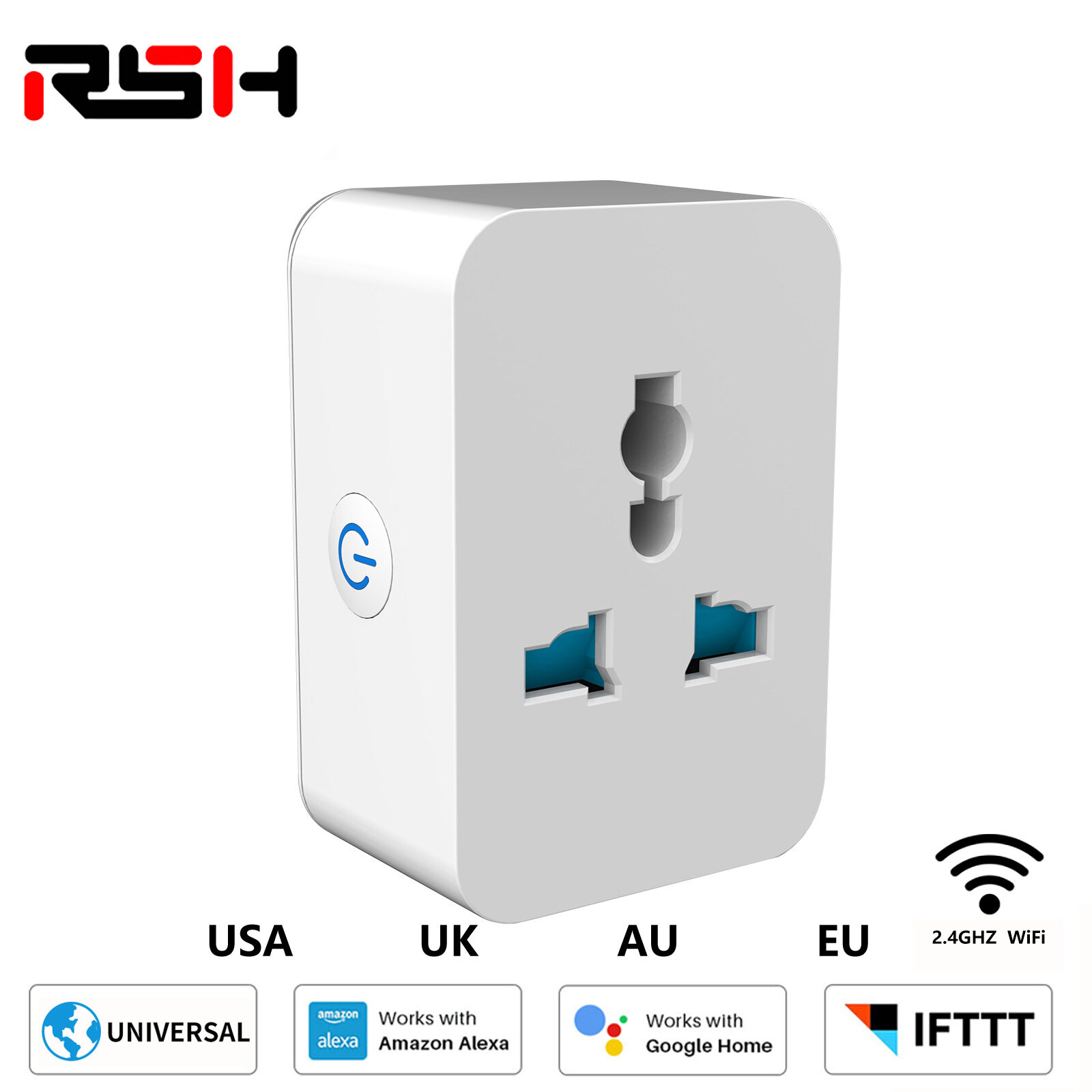
Main Function:1 . Work with Amazon Alexa & Google home & IFTTT.2 . Manage your devices via your mobile phone or Voice Control .3 . Intelligent Schedule - Smart socket could create multiple schedules to turn on / off yoelectronic sets4 . Energy Monitoring - Statistical power consumption
Function Key and Indicator Description:
Short press the power button , indicator lights up means power off,Indicator lights off means the power button for about 5 seconds , indicator flashes quicklyproduct begin enter into the distribution network modeIndicator flashes slowy means the network connection is abnormal , please check the routeror network configuration
How it work:
Turn On IntelligenceUse your phone to scan the QR code below or search " Smart life " in applicatiomarket to download and install the AppStep 1 : Registration and login " Smart Life " APP .If you dont have the account of " Smart life APP , egister an account or sign in witlcellphone number or email + verification codeMake sure your phone is connected to Wifi in your home . Click " + " in the upper right comerof the homepage and select " Electrical outlet " from the device typeStep 2 : Connect with the power supply , long press the power button more than 5 seconduntil the indicator light enters into the fast flash mode Select confirm indicator rapidly blinkStep 3 : Enter your Wifi password for your phone and click " Confim " to enter the page othe search deviceStep 4 : Enter the device page , then complete the configuration
How to work with Alexa:
Step 1 : Connect the Alexa speaker to the " Amazon Alexa App . Then press the " Skibutton on the menu . Search " Tuya smart and choose the first one , then Enable itStep 2 : Select your country code and Enter your Smart life APP Account and Password ,then press the " Link Now " button , choose Smart Life and press " Link Now " again . Thenpress " Authorize button . When the third photos show , it means linked successStep 3 : Back to the menu , and press the Smart home button , then choose the " Devicesthen press the Discover buttonStep 4 : When you see the devices in the Devices list . You can use Alexa to control yourSmart devices , enjoy yourself
Specifications:
1.Remote access via APP;2.Scheduling;3.Timer;4. Energy monitoring /optional;5.Away mode;6. Voice control with Amazon Alexa or Google Home; support iFTTT;7.Private tooling with slim design;8.Full-PC, V0 Fireproof materials;9.Network: 802.11 b/g/n, 2.4Ghz;10.Max load: 10A or 16A
Package Included:
1 x smart socket