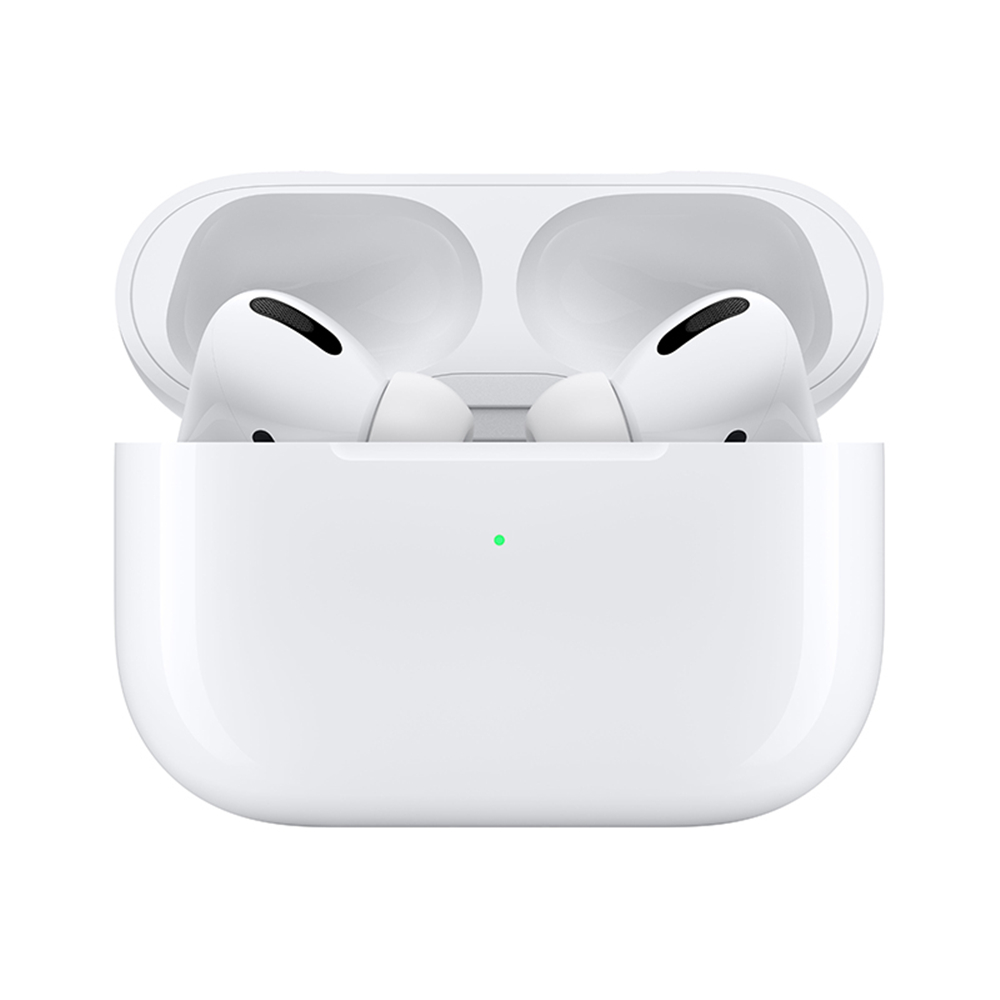
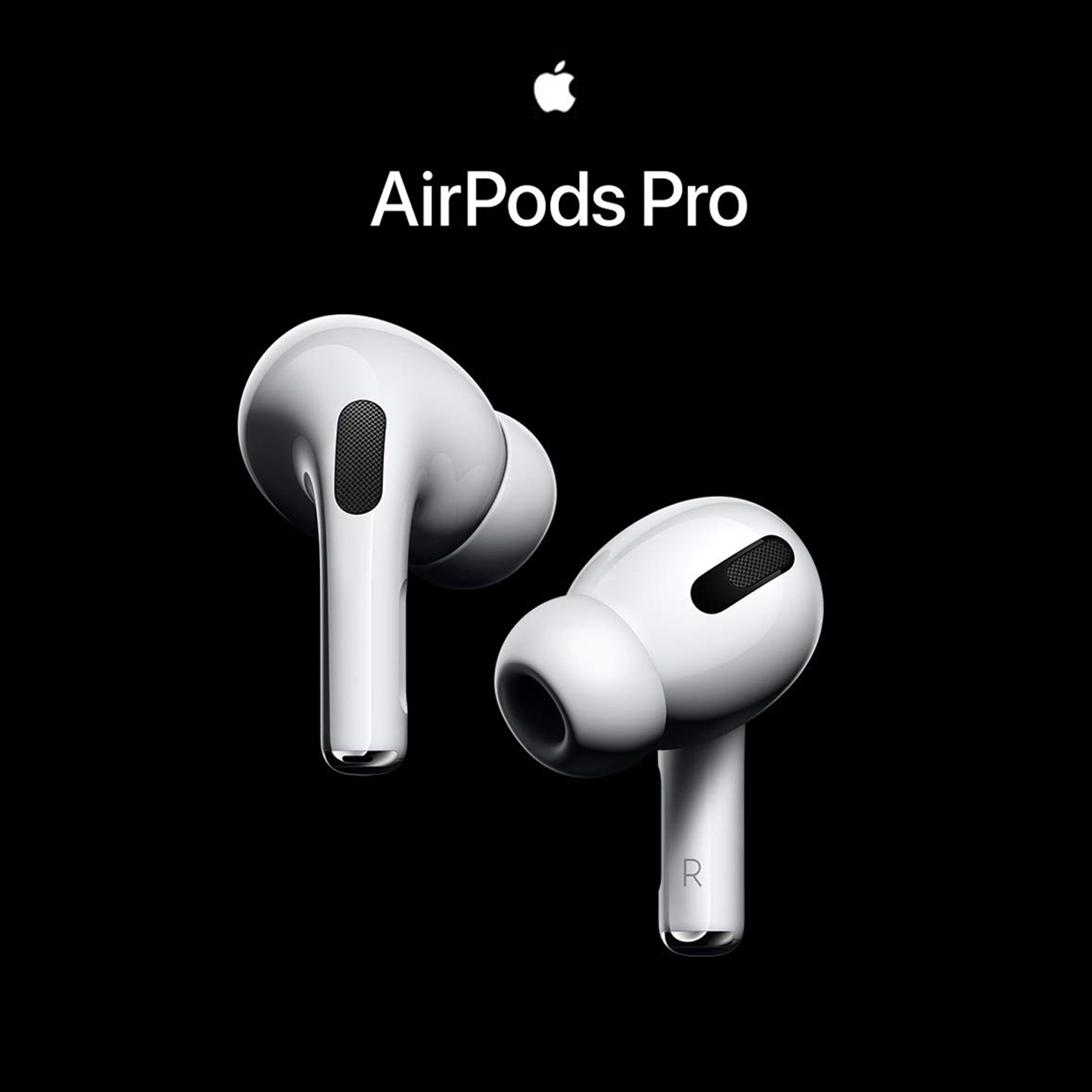
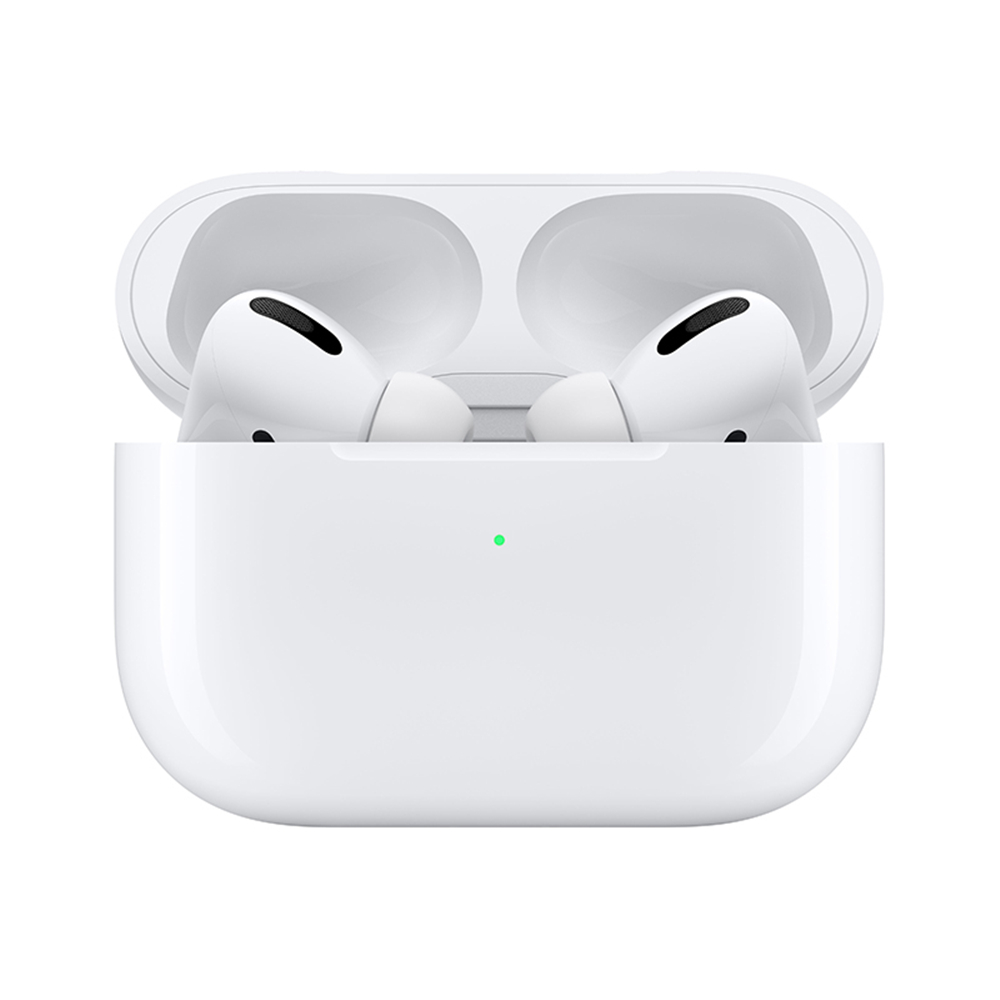
TWS Bluetooth Earphone Wireless Headset Smart Sensor Earbuds 8D Hifi Stereo white
$247,43
200 in stock
Description
Connect with IOS (13.2 or later) device:1. Open the cover and open the Bluetooth device, the pop-up function will work. You will then see a notification asking you to press the button on the back of the charging case.2. Press and hold (about 4s) the button, you will see the white indicator flashing. And the earbuds will automatically connect with the phone.Connect with Android or other devices:1. Open the cover and press and hold (about 4s) the button until the white indicator light on the charging case flashes.2. Turn on Bluetooth on the device to search for the earbud Bluetooth signal to connect.